Dayshift Scheduling
In the documentation, assigning employees to projects is described as someone being either assigned or not. However, there is another way: if your company operates on a schedule based on part-days (shifts), you can also use this software. It is actually quite simple—instead of creating a planning item that says "assigned" and represents a full day, you can create planning items for the morning, afternoon, evening, and night shifts, or combinations thereof. This is an alternative setup for the software, but one that still aligns with its core model.
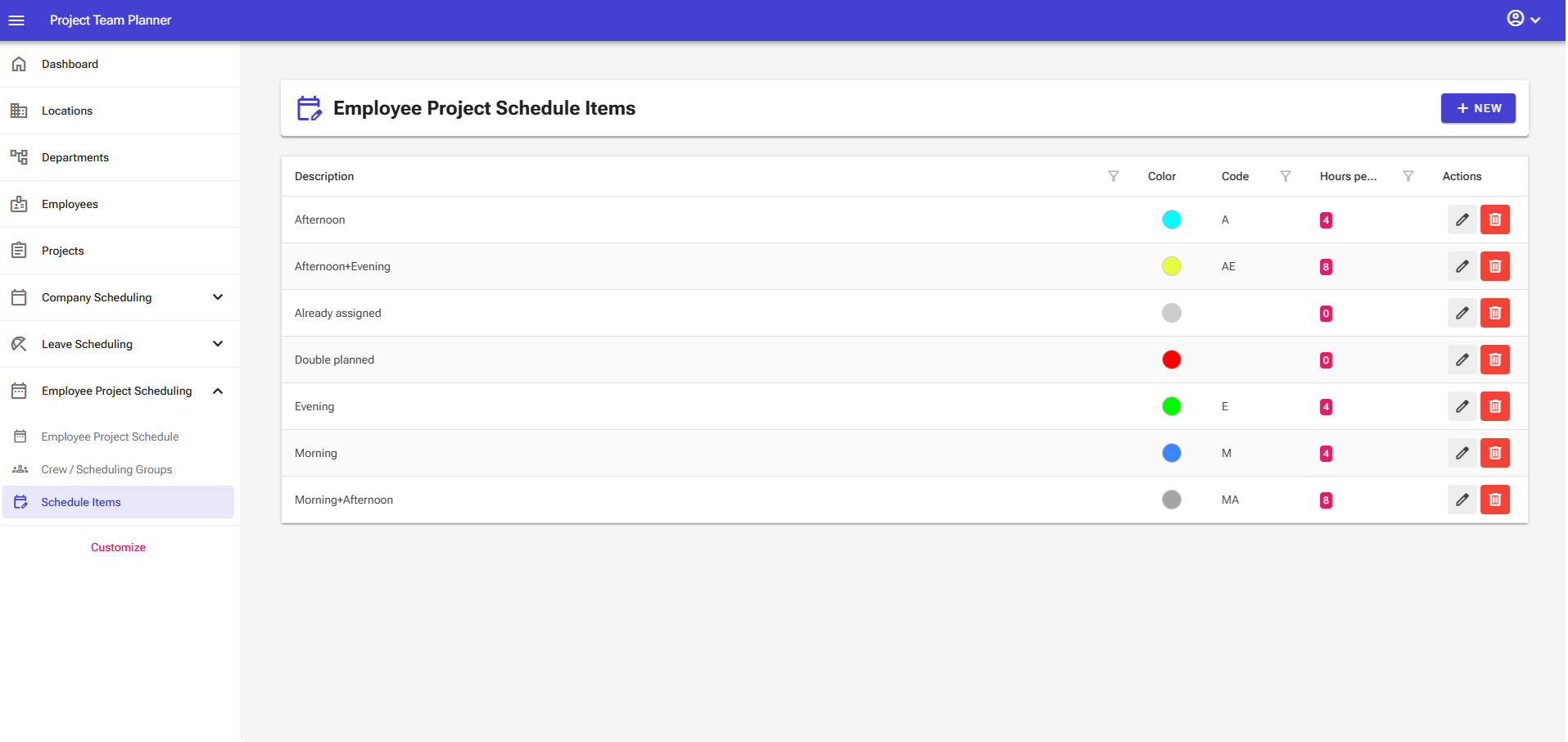
When you apply this method, the software itself continues to function smoothly. You can still view daily coverage on the schedules, project assignments still work, duplicates are properly detected, and hour calculations remain accurate. The only thing that will no longer be accurate are the dashboard charts showing available hours, as these assume every employee can be scheduled for 8 hours per day.
